



How Website Performance Audits Improve Speed, Security & User Experience

How Regular Website Updates Improve Security and Performance in 2025
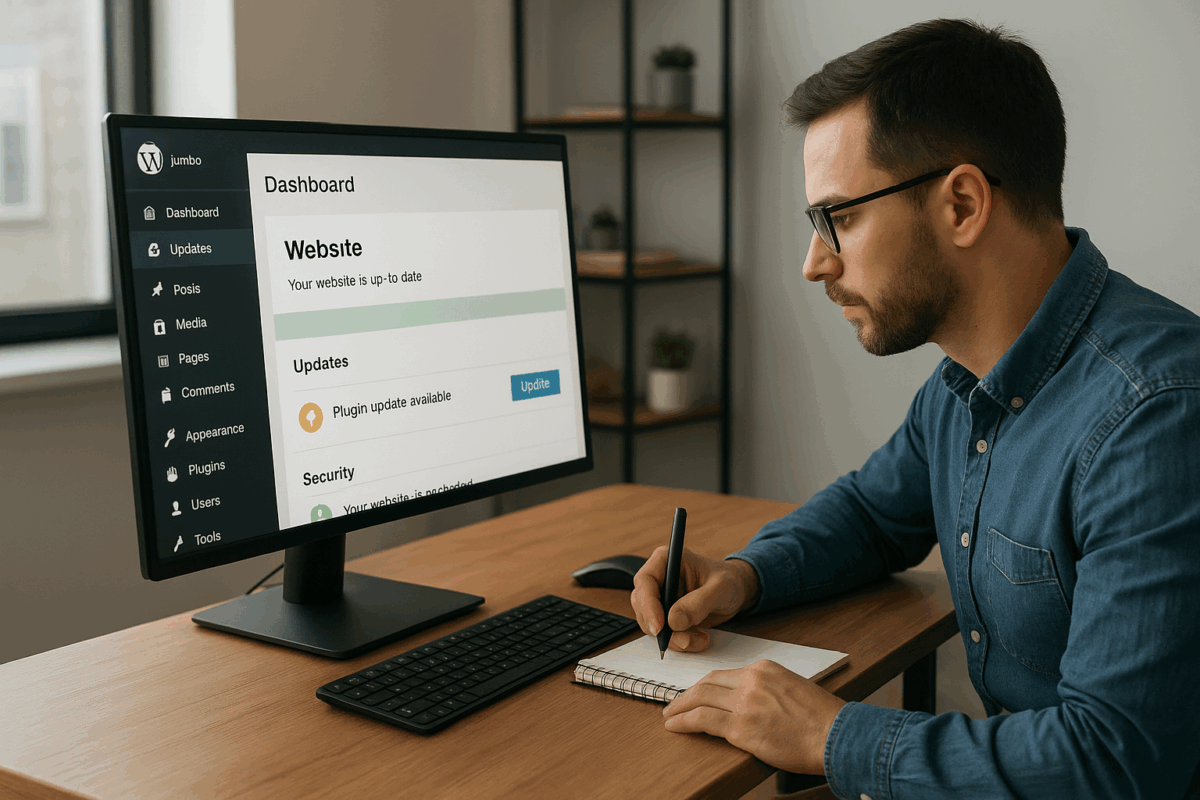
Regular plugin and software updates are one of the most critical yet overlooked aspects of website maintenance. Many website owners delay updates due to fear of breaking functionality, but outdated software is one of the leading causes of security breaches, malware infections, and performance issues. Keeping your website updated ensures it remains secure, fast, and compatible with modern technologies.
Why updates matter for website security
Every plugin, theme, or CMS version contains lines of code that can potentially be exploited. Developers regularly release updates to fix security vulnerabilities, patch bugs, and improve performance. When websites fail to apply these updates, hackers can exploit known weaknesses to inject malware, steal data, or take full control of the site.
Common risks of outdated plugins and software
- Security vulnerabilities: Hackers often target websites running older plugin versions.
- Compatibility issues: Outdated components may conflict with newer browsers or servers.
- Website crashes: Old code can break during hosting or PHP upgrades.
- SEO penalties: Compromised or slow websites lose search engine rankings.
- Data loss: Malware attacks can corrupt or delete critical data.
Types of updates your website needs
- CMS core updates: These updates improve overall stability, security, and features.
- Plugin updates: Fix bugs, close security loopholes, and improve compatibility.
- Theme updates: Ensure proper design rendering and security enhancements.
- Server & PHP updates: Improve speed, stability, and compliance with modern standards.
Best practices for safe updates
Updating blindly can be risky, which is why a structured update process is essential:
- Always take a full website backup before applying updates
- Test updates on a staging environment first
- Update one plugin at a time to identify issues easily
- Remove unused or abandoned plugins
- Monitor website performance after updates
How updates improve website performance
Updates don’t just improve security—they also enhance speed and usability. Developers optimize code, reduce load times, and improve compatibility with caching systems and CDNs. Updated websites deliver smoother user experiences, better mobile responsiveness, and improved Core Web Vitals.
Business impact of poor update management
For businesses, a hacked or broken website can result in lost revenue, damaged reputation, and legal issues. Customers expect secure online experiences, especially when submitting personal or payment information. Regular updates help businesses maintain trust, protect customer data, and ensure uninterrupted service.
Automating updates vs manual management
Automated updates save time but may occasionally cause conflicts. Manual updates provide more control but require technical expertise. A balanced approach—automating minor updates while manually reviewing major releases—often delivers the best results.
Conclusion
Regular plugin and software updates are a cornerstone of effective website maintenance. They protect your website from security threats, improve performance, and ensure long-term stability. Businesses that prioritize updates reduce risks, maintain strong SEO performance, and provide a reliable experience for users. Staying updated isn’t optional—it’s essential.