



Essential Security Practices to Keep Your Website Safe in 2025
Why Regular Plugin Updates Are Critical for Website Security
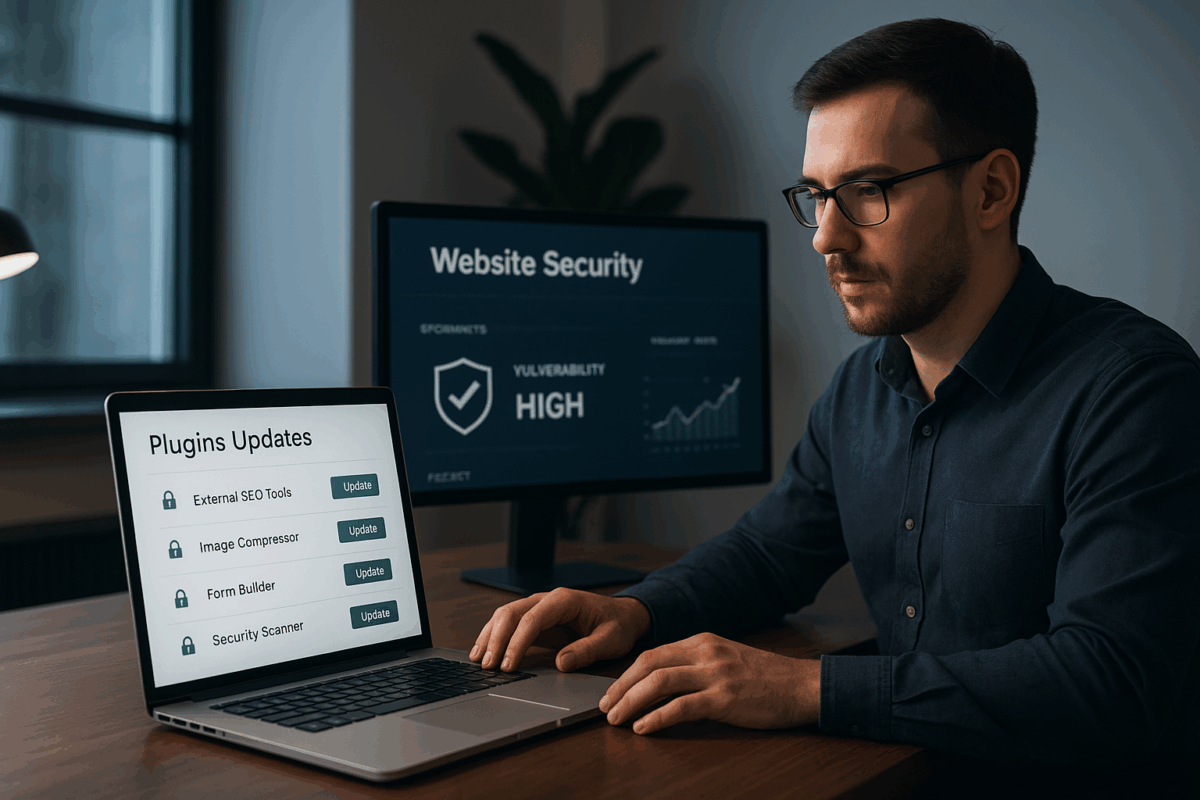
Website security is becoming increasingly important as cyber threats evolve each year. One of the most effective yet often ignored methods to keep your website safe is regularly updating plugins. Whether you use WordPress, Joomla, Drupal, or any other CMS, plugins extend functionality—but outdated plugins can open the door to hackers. Keeping them updated ensures both security and performance remain top-notch.
Why plugin updates matter
Developers frequently discover new vulnerabilities and immediately release patches to fix them. If your website continues using an outdated version, it becomes an easy target. Hackers actively scan for websites running old plugin versions because they already know the weaknesses they can exploit.
Benefits of updating plugins
- Security patches: Updates fix known vulnerabilities and prevent malware attacks.
- Improved performance: Updated plugins run faster and reduce load on your server.
- Better compatibility: New updates ensure smooth operation with the latest versions of themes, PHP, and CMS core files.
- New features: Developers often add useful enhancements in newer updates.
What happens when plugins are not updated?
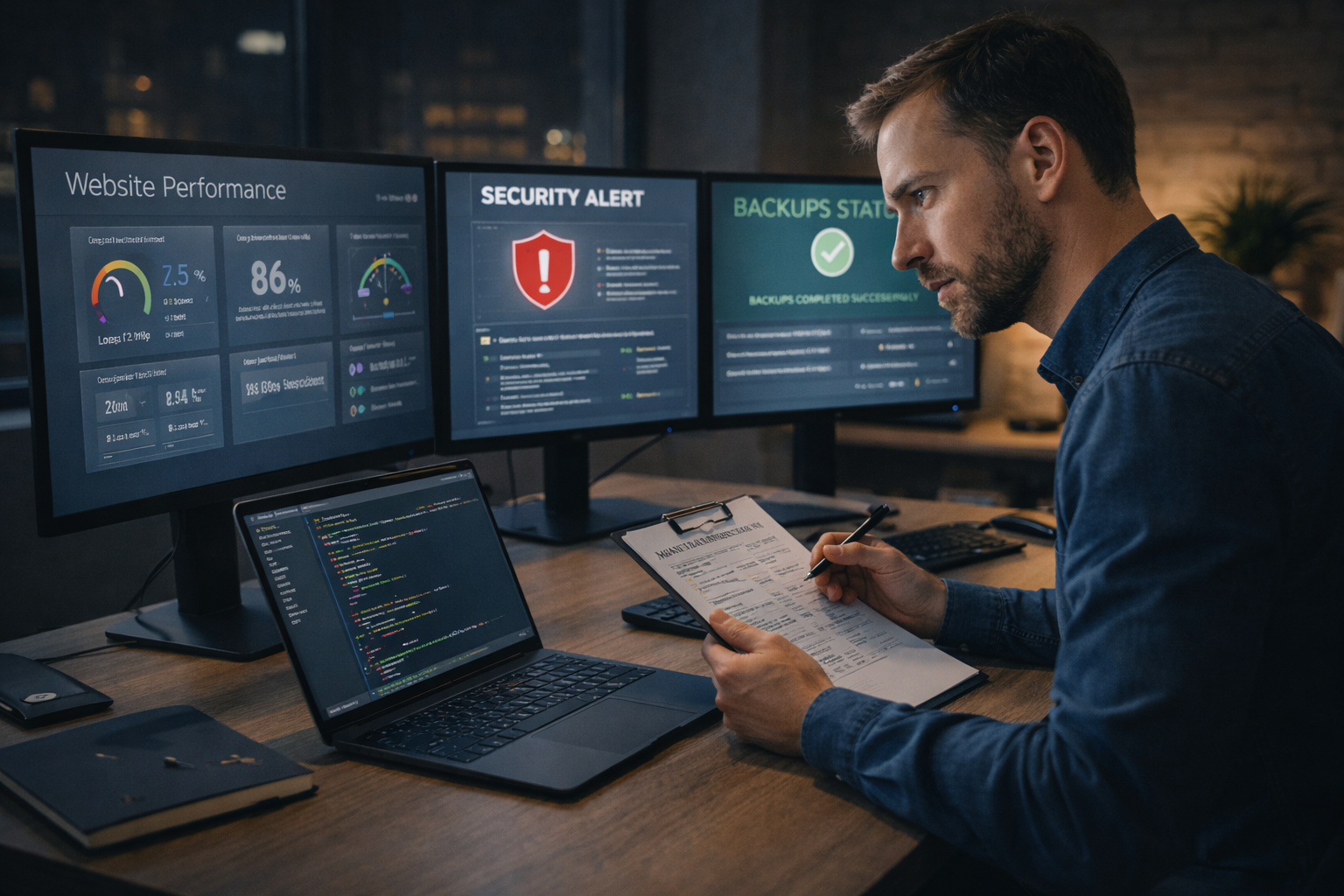
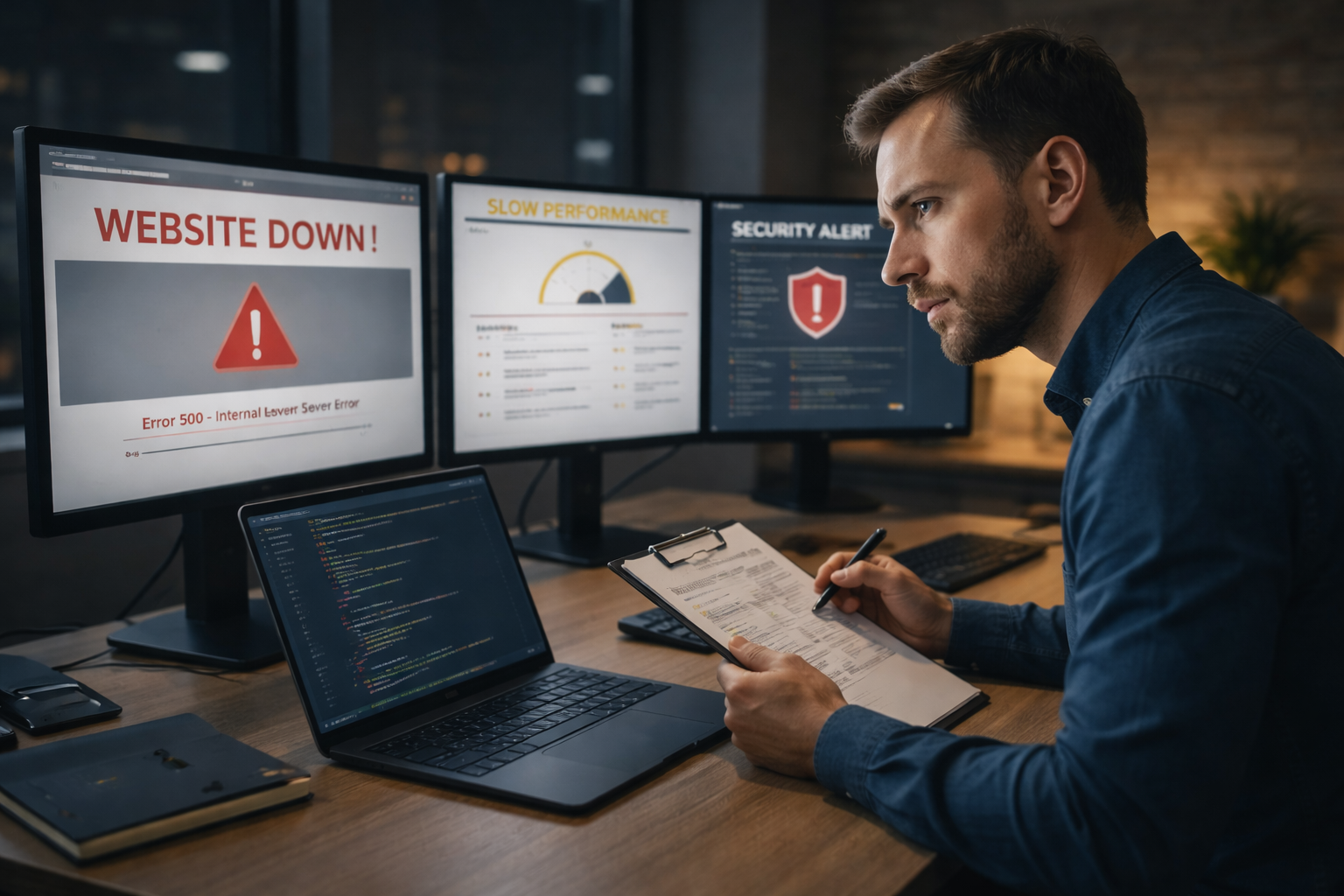
Outdated plugins often cause website issues like broken layouts, slow loading speeds, errors, and even complete site crashes. More critically, outdated software is the biggest reason websites get infected with malware. A single vulnerable plugin is enough for hackers to inject malicious scripts or gain unauthorized access to your admin panel.
Best practices for managing plugin updates
- Take a backup before updating: Always create a full backup of your files and database.
- Update test environment first: Use a staging site to check if updates cause any conflicts.
- Remove unused plugins: Delete any plugin that is not actively used—they still pose a security risk.
- Keep everything up to date: Not just plugins—update themes and the CMS core too.
- Use trusted plugins: Install plugins only from reputable developers with frequent update history.
How often should you update?
Ideally, plugins should be checked weekly. However, if your website handles sensitive information or high traffic, checking daily is safer. Many professionals use automated update tools or maintenance services to ensure no update is missed.
Conclusion
Regular plugin updates are not optional—they are essential for keeping your website secure, fast, and reliable. By making updates a routine part of your website maintenance strategy, you protect your business from cyberattacks, reduce downtime, and ensure a smooth experience for your visitors.