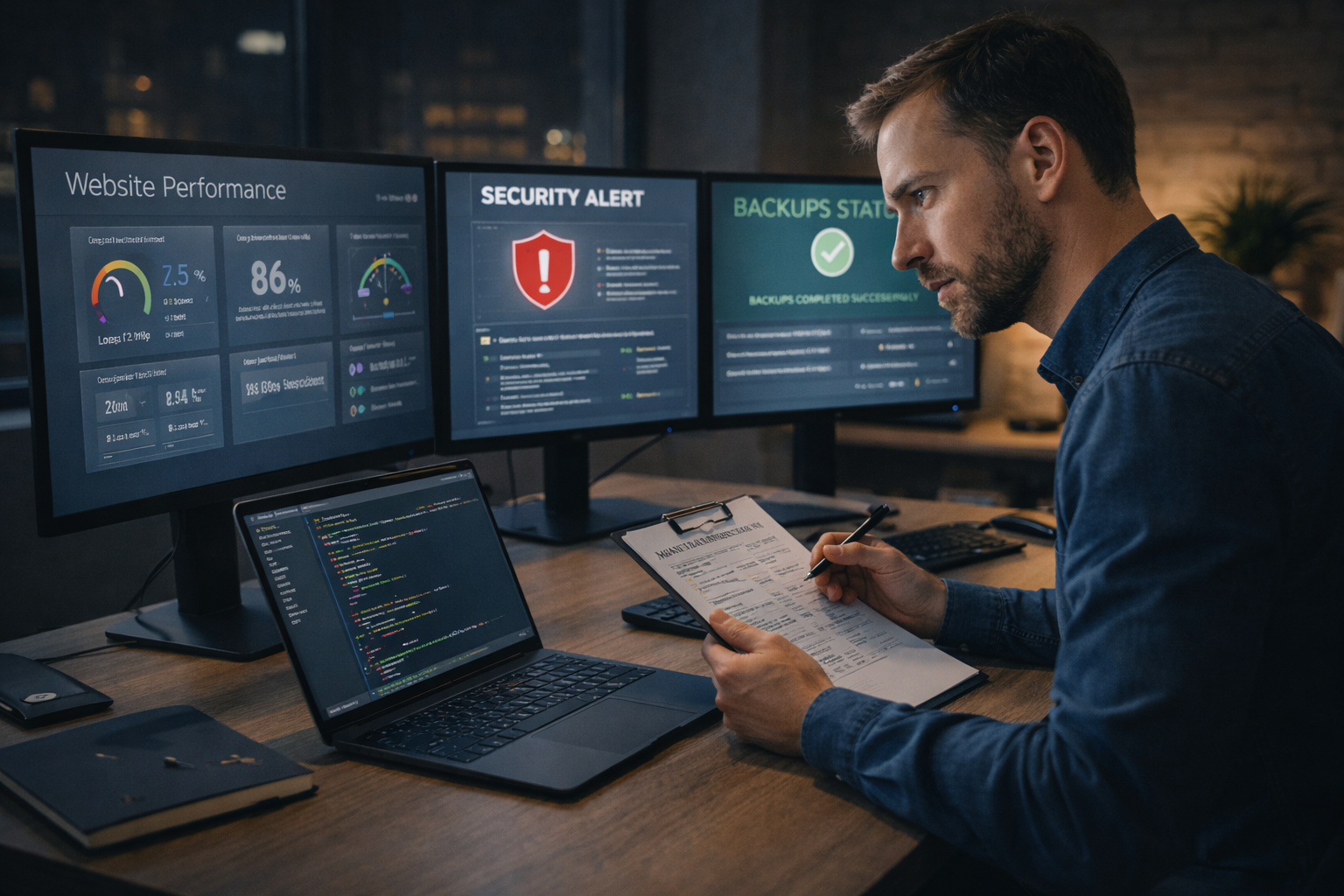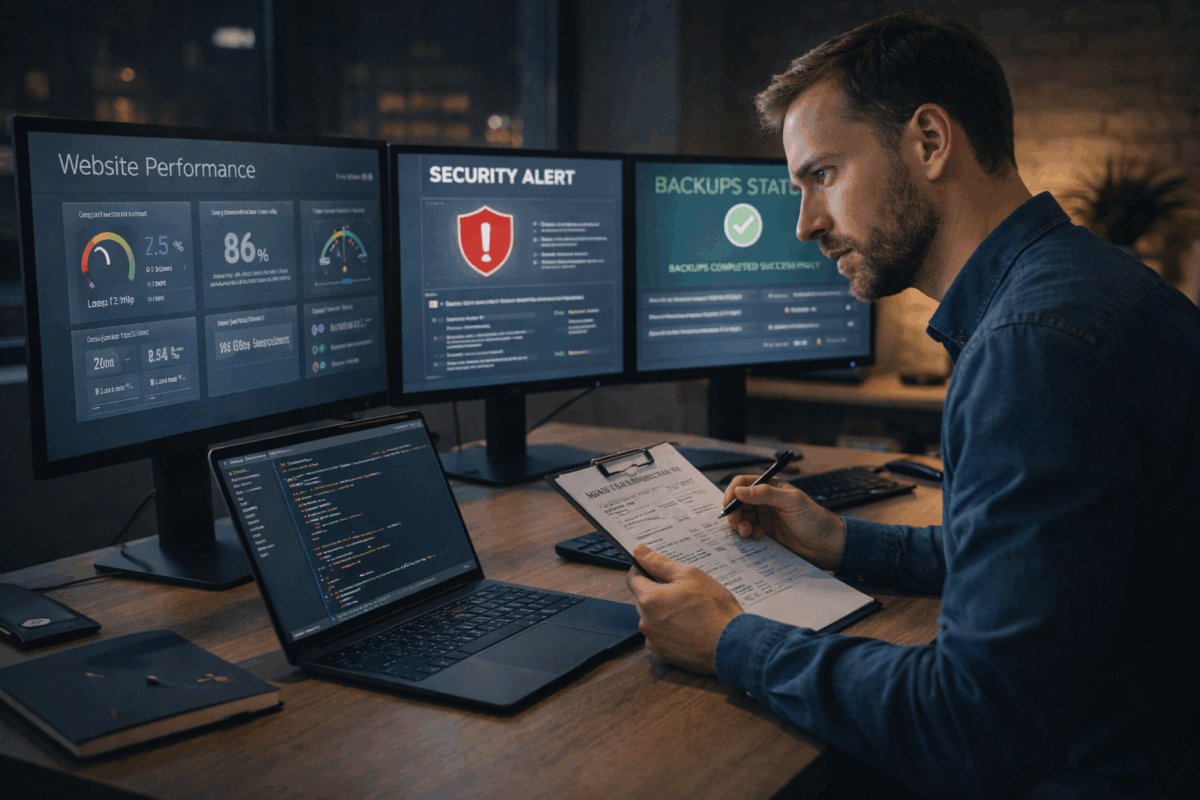



Essential Server Maintenance Tips to Keep Your Website Running Smoothly

How Regular Security Audits Keep Your Website Safe in 2025
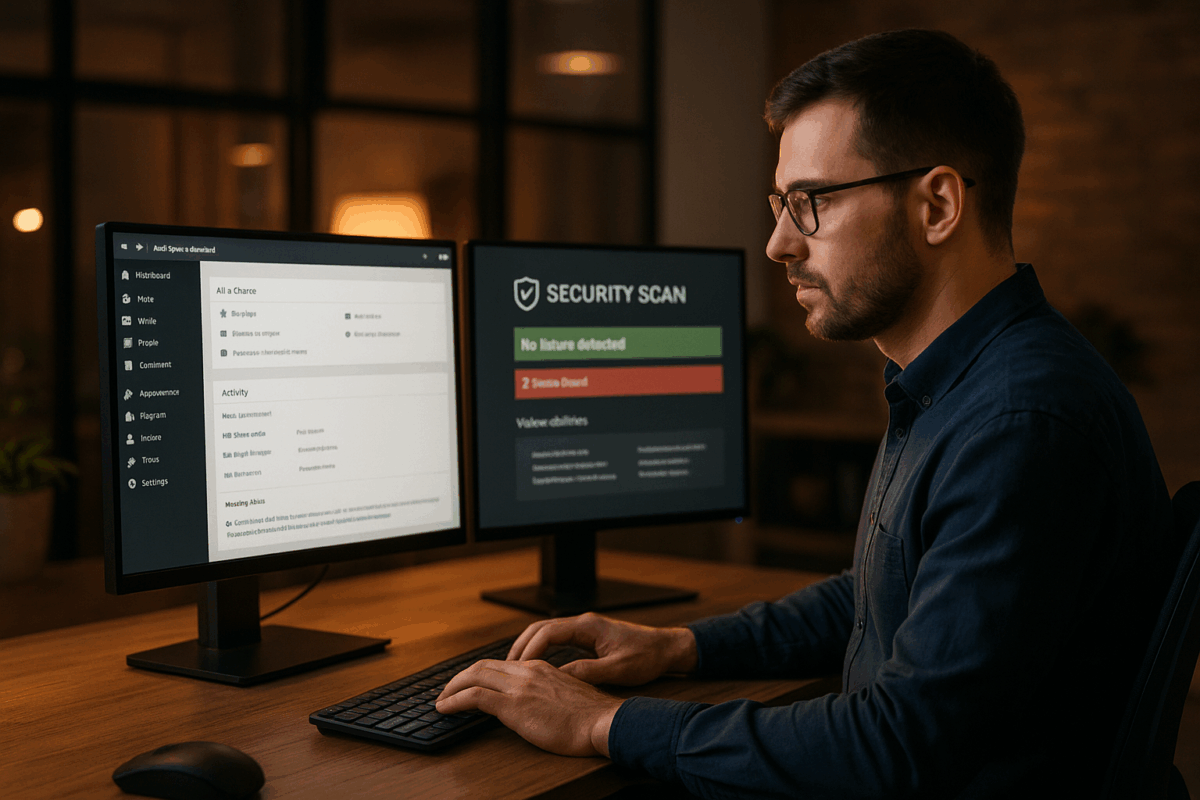
Website maintenance is one of the most important responsibilities for any business that wants a secure, stable, and high-performing online presence. Among all maintenance tasks, regular software updates play a critical role. Whether you are using WordPress, Shopify, a custom-built CMS, or any other platform, keeping all website components up to date ensures that your site remains safe, fast, and future-ready.
Why software updates matter
Software updates include security patches, performance improvements, and bug fixes. Hackers often exploit vulnerabilities in outdated plugins, themes, or core files. When developers release a new update, it usually includes fixes for known issues. If you don’t apply these updates on time, your website becomes an easy target for security breaches.
Performance is another major factor. Updated software is optimized to run faster and smoother. Slow websites frustrate users and negatively impact search engine rankings. Regular updates help ensure that your site loads efficiently across all devices.
Types of updates your website needs
- Core CMS updates: These updates enhance your website’s base functionality and security.
- Plugin/add-on updates: Plugins often release patches for new features or security improvements.
- Theme updates: Updated themes ensure better compatibility with the latest web standards.
- PHP & server updates: These updates improve website performance and reduce compatibility issues.
- Security patches: Critical fixes that prevent cyberattacks and data theft.
How updates improve website security
Website attacks are increasing every year, and outdated software is one of the most common reasons. Cybercriminals scan the web for sites running outdated plugins or CMS versions because they know exactly how to exploit them. Updates close these security gaps, making your website more resilient.
Additionally, updated software integrates better with modern security tools like firewalls, malware scanners, and two-factor authentication systems. This layered protection reduces risks drastically.
The impact of updates on website performance
Performance is a key element of user experience. Updated code runs more efficiently and reduces unnecessary load on your server. Many updates include improvements to caching, database speed, media handling, and compatibility with new browser versions. Websites that update regularly usually experience:
- Faster page load times
- Better mobile responsiveness
- Improved SEO performance
- Enhanced user satisfaction
Best practices for managing website updates
- Enable automatic updates where possible: This keeps critical items updated without manual effort.
- Backup before updating: Always take a full backup of your files and database to avoid data loss.
- Test updates in a staging environment: This ensures compatibility before applying them live.
- Update one component at a time: Helps identify issues quickly if something breaks.
- Monitor your website after updates: Check performance, layout, and functionality.
Conclusion
Regular software updates are essential for website security, performance, and long-term success. Ignoring updates can lead to severe issues like downtime, security breaches, slow loading, and compatibility problems. A well-maintained website not only delivers a smooth user experience but also strengthens brand credibility and search engine visibility.